The spouse who missed the meeting
Mike has to see this.
Video: a Story of their own pool
Upload the render you already made.
Send them the video before they call the next builder.
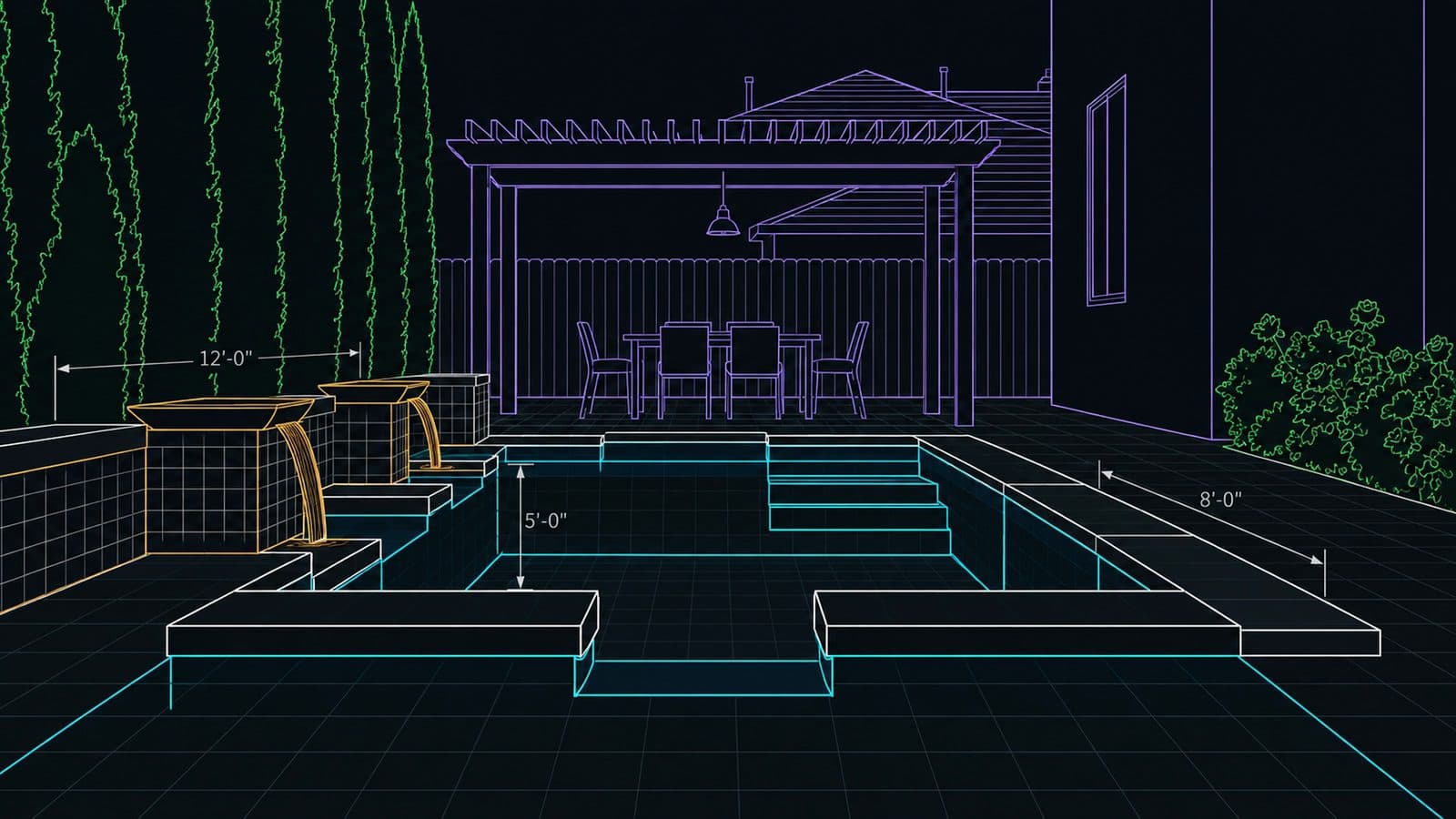
 Your design
 Your 3D render
 A video, made by AI
The film · 1:00
A builder, a couple and one evening, made from one pool render. Press play with the sound on.
[Tuesday, 7:40 PM] "It's beautiful." "We just need to think about it." [Tuesday, 7:58 PM] (Voice-over) You're the fourth builder they've called. (Voice-over) They all sent a drawing. (Voice-over) Send them a film. (Voice-over) Their yard. Your design. A family like theirs. [Tuesday, 10:12 PM] "Okay. You have to see this one." "Dad, what if we had a pool right here?" "Wait... is that our yard?" "That's our yard." "The kids would never get out." "Which one sent this?" "The fourth one." "Call them back." [Tuesday, 10:16 PM] "This is Mike." (Voice-over) Upload your render. About a hundred seconds. Send it tonight. (Voice-over) Be the builder they call back.
Three PDFs and one video
By the time they call you, they have a stack. The bids look alike, so the choice gets made later, at the kitchen table, on whichever one they remember.
Pool builder. Pool proposal attached
Hi, attached is the proposal we talked about.
Pool builder. Your quote, as discussed
Please find the numbers for the backyard.
Pool builder. Proposal and price
Let me know if you have any questions.
You. Your backyard, with your family in it
Attachment: VideoDecided later, at the kitchen table.
“you were the fourth company and they're waiting on two more quotes”
What happens when they see your video
Send it tonight. Watch them see their backyard for the first time.
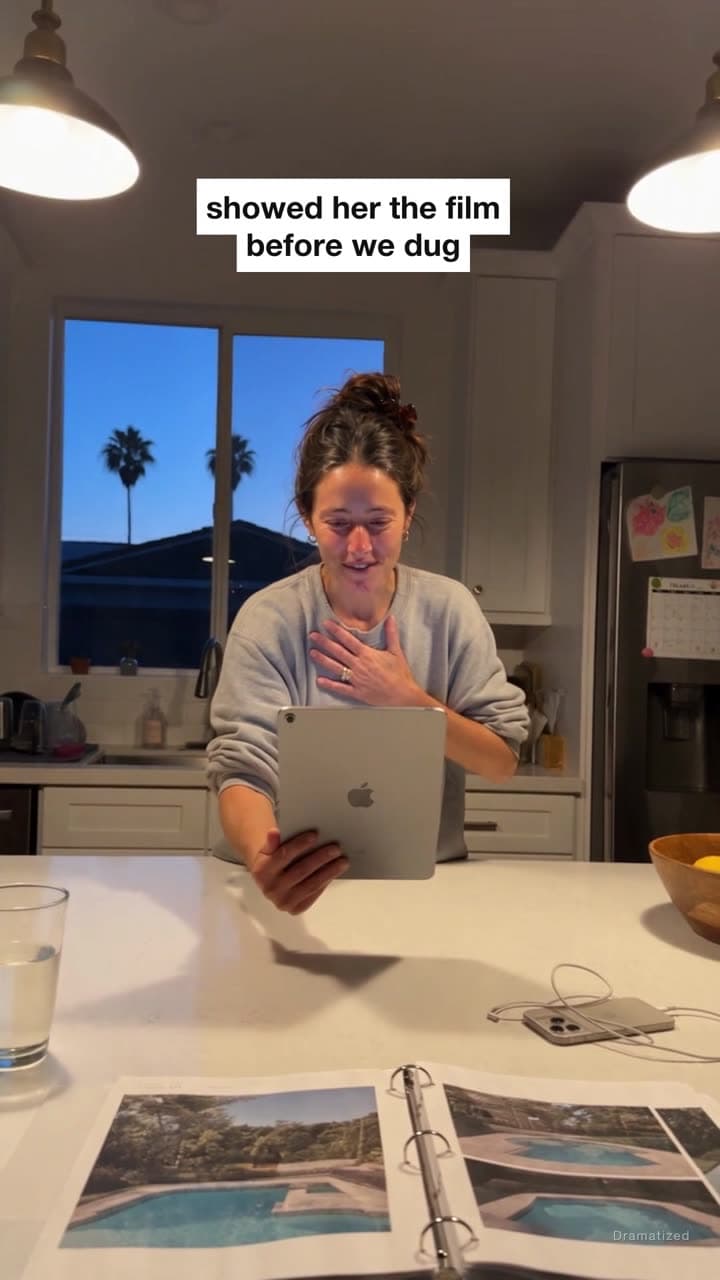
Dramatized. Homeowners reacting to a video their builder sent. The video is what RenderSplash makes.
Mike has to see this.
Video: a Story of their own pool

It lasted four seconds.
Video: their backyard, filmed from your 3D design

They skipped Disney instead.
Video: the pool on the quote, finally moving
Add the renders your design software exported, as JPG, PNG or WebP.
What you can uploadSee the difference
Same design, same camera, same six seconds. The flythrough shows the plan. The video shows a family living in it.
+14.5%
more sales when a product got a video
26%
lower odds of getting funded with no video
18%
of homeowners say picturing the result is a hurdle
Independent research. None of these sources is affiliated with RenderSplash.
Export a JPG or PNG of the 3D view from whatever you already use. We take it from there.
Not listed? Export a JPG or PNG of the 3D view, or take a screenshot of it, and upload that. We work from what you already have, not from a specific tool.
See every supported formatStory templates
A Story sells the life in the design: the empty yard, the pool building itself, a family like theirs in it, the lights at night. Pick the template that fits the job.

Story template
The family. The dog. The pool.
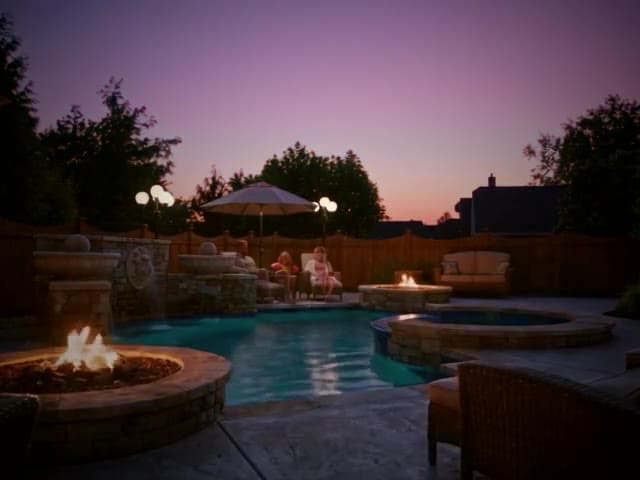
Story template
Empty yard to family memory, in one video.
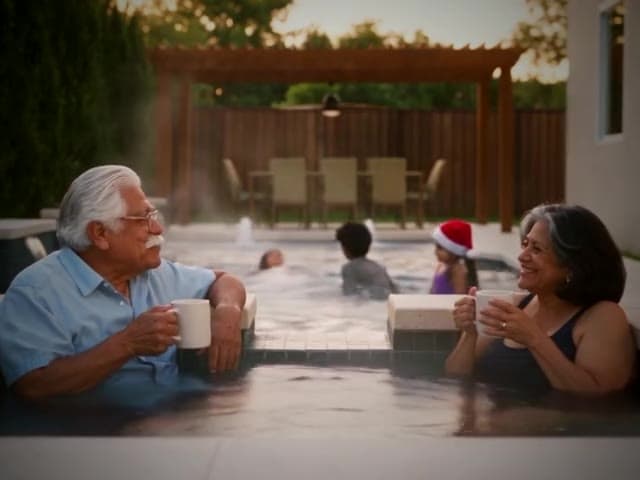
Story template
Close the seasonal job before the season ends.
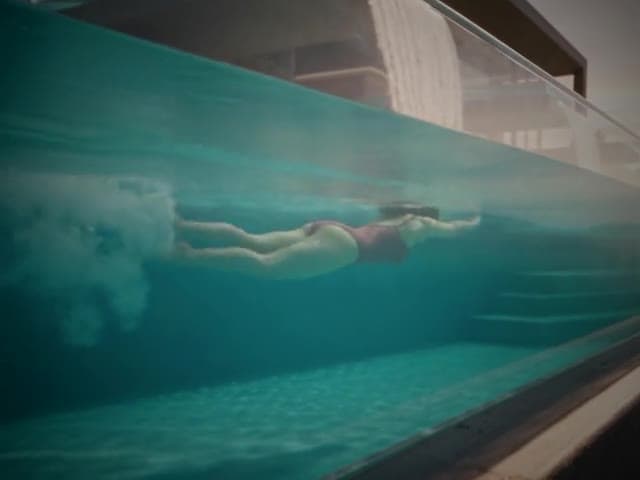
Story template
Dawn swim to watching the stars come out.
The cast
22 people and 9 pets, from young families to grandparents. Pick the ones who look like your client and they play in the Story.

Marcus
The Johnsons

Lily, 6
The Millers
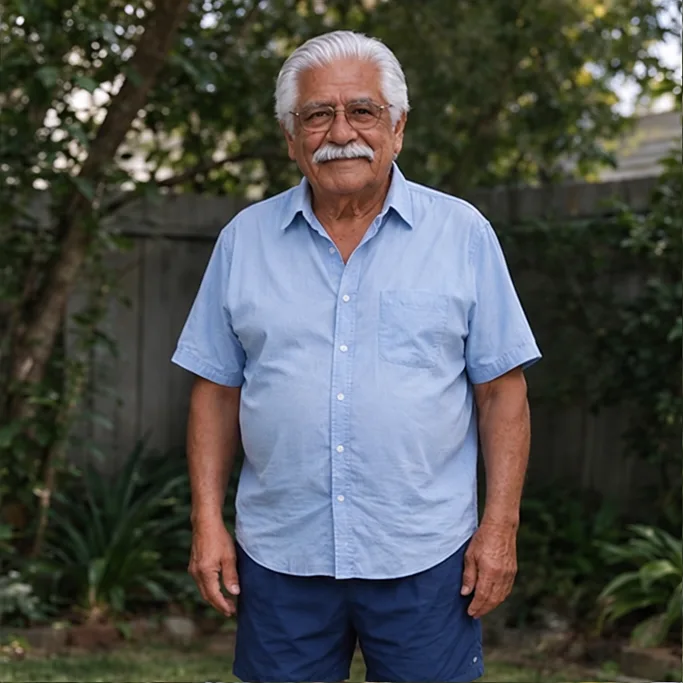
Luis
Abuelo Garcia

Kevin
Kevin and Grace
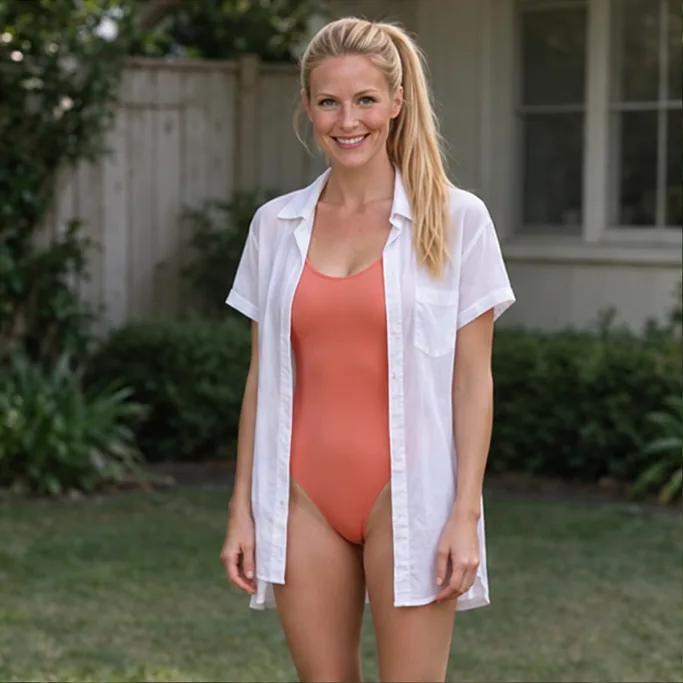
Megan
The Millers

Cooper
Golden retriever

Mango
Ginger tabby
Cast yours
Their family, in their pool
If you build pools
Our pool builder sales tips are a free 90-day plan to re-open the designs homeowners stopped answering about, with the words to send. See which design software we work with before you try it.
If you are planning a pool
Try the free pool design app and visualizer with a photo of your yard, or browse backyard pool design ideas with sizes and a 3D model for each.
Founding builders
Locked in for as long as you stay.
 7 day money back guarantee. No questions.
No. Your existing 3D design renders are the input, even a plain screenshot from your design software. Real photos of the yard help but are optional.
A Story is a 15- or 30-second video: the empty yard, the pool building itself, a family like your client's in it, the lights coming on at night. You pick a template, pick a family, and press Make Story. The script and video write themselves from your render.
Upload it and we read page 1. If it shows your 3D design, we film it. If it is a plan, we offer to draw a 3D view from it. A JPG or PNG from your design tool gives the closest match.
A Story takes a few minutes. A Draft is quicker and Full HD takes a little longer. Your free 10-second video of your own design takes about as long as a coffee.
It keeps your design's camera angles and geometry and adds the water, light and materials that make a render read as a photograph, not an illustration.
Yes. Every video gets a share link a homeowner can open and watch with no account.
On Pro and VIP, yes. Your business name appears on the share page alongside every video.
Top up at $0.80/credit, less per credit when you buy more at once. Credit you buy never expires. The credits included with a plan reset at the start of each billing period.
Yes, and no card is required. Upload a render and the first 10 seconds of its video are free. The full 30 seconds comes with a paid plan. For the full picture of video types, what you put in, and what comes out, see what RenderSplash makes.


