From render to video, shot by shot.
No text prompt. No camera. Upload the renders you already made and we turn each one into a shot in a finished video.
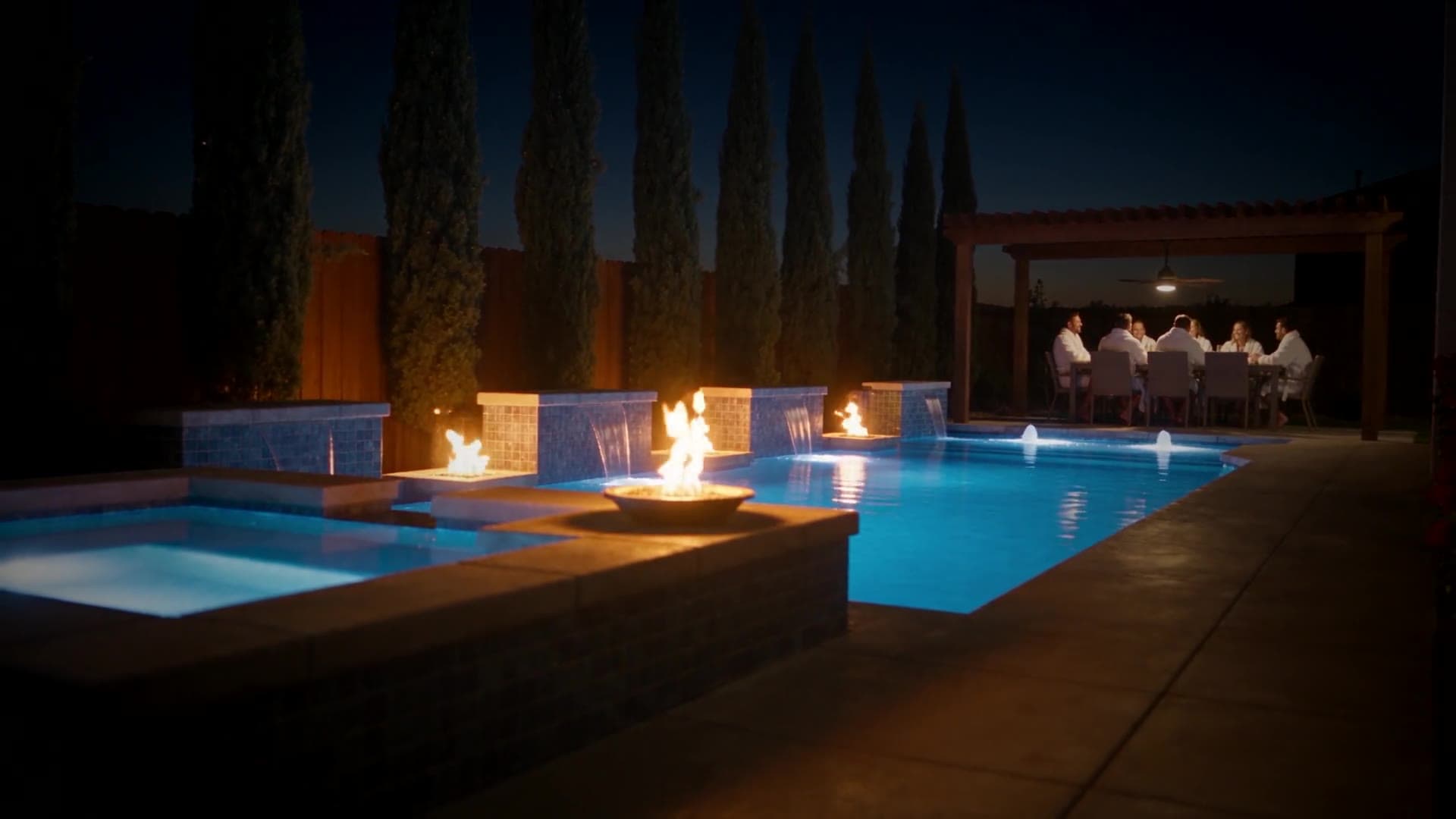
A Story video · Made from a pool render
The video
One render, one Story
It starts from the render you already made and sells the dream. Press play.
Sells the life in it
Story
15to30s
The empty lawn, the pool building itself, the family in the water, the lights at night. Pick a template and your cast, upload one render.
- Draft 15
- HD 30
- Full HD 60
- Draft 30
- HD 60
- Full HD 120
Credits per video. A draft is half an HD one.
Pro and VIP. Free gets the first 10 seconds of one, of your own design.
Three steps, one render
Upload, pick a template and a family, share the link.
Upload what you already have
Drop in rendered stills from any design software, as JPG, PNG or WebP. A screenshot of the 3D view works too.
What we acceptWe draw each shot as a photograph
Every render is redrawn as a real photograph. Your camera angle stays exactly as you framed it. Water, light and materials become real. You pick the template and the family.
A Story, ready to share
The shots cut together into one Story video, 15 or 30 seconds. You get a link you can send to the homeowner. It takes a few minutes. Draft is quicker; Full HD takes longer.
What you upload
What goes in, and what comes out
Here is a render going in and the video that comes out, then what we do with each kind of file.
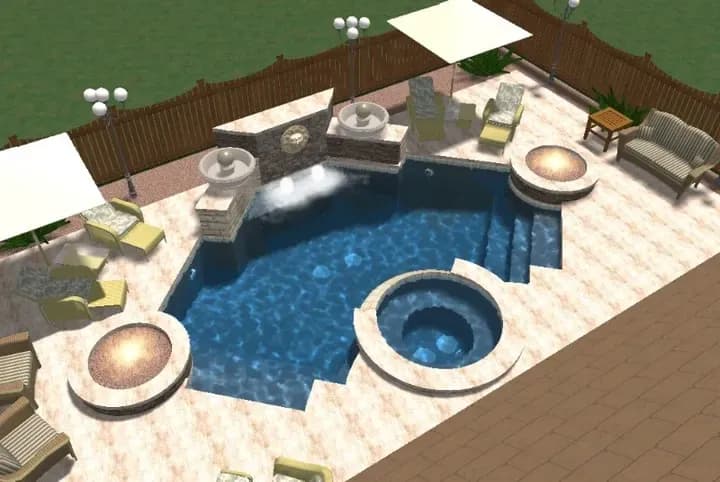
You upload
A top view of the 3D model
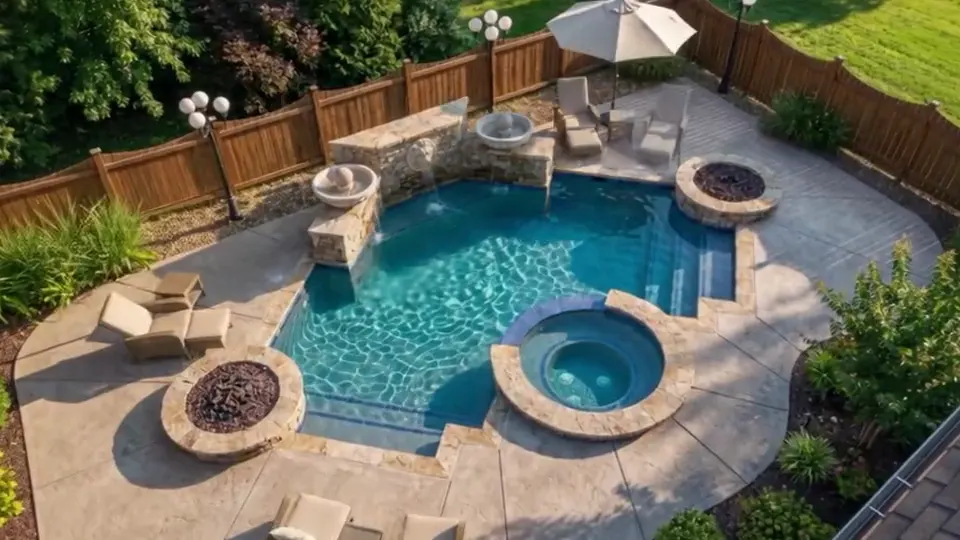
You get
A video that starts on the empty yard and ends on the pool. Made with RenderSplash AI
- 200 MB
- per picture, bigger ones are shrunk for you
- 800 px
- at least, on the longest side
- 6 pictures
- in one upload
Goes straight in
Used as it is
- JPG, up to 200 MB
- PNG, up to 200 MB
- WebP, up to 200 MB
Goes up exactly as you saved it.
Converted for you
- iPhone photo (HEIC), up to 25 MB
- BMP, up to 100 MB
- TIFF, up to 100 MB
- TGA, up to 100 MB
Your browser turns it into a JPG before it uploads. Nothing for you to do.
Page 1 is drawn
- PDF, up to 50 MB
We draw page 1 as the picture. If it is a plan, we offer to draw a 3D view from it.
A plan becomes a 3D view
- DXF plan, up to 50 MB
- DWG plan, up to 4 MB
We read it, you crop to the pool, and we draw one 3D view from it for you to check before we film. The pool comes from your plan and the yard around it is invented. A DWG over its limit: export a DXF.
A still is taken
- MP4, MOV or WebM video, up to 500 MB
We take a still frame out of the video.
One step first
Export a still first
- EXR
- AVI or OGV video
We can't read these. Export a JPG or PNG from your design tool, or take a screenshot of the 3D view.
Story video
How a Story is made
You upload one render and pick a template and a family. We write the shots and film it, in a few minutes.
- 01
Their yard today
It opens on the lawn they have now, drawn from your render with the pool taken out.
- 02
The pool builds itself
A few seconds of the build, far end to near, until it is your design.
- 03
A family lives in it
A family from our library, cast to look like your client's, swims and plays there.
- 04
Lights on at night
Golden hour, then night, with every light in the design switched on.
Four templates to start from

Story template
A dog's day
The family. The dog. The pool.
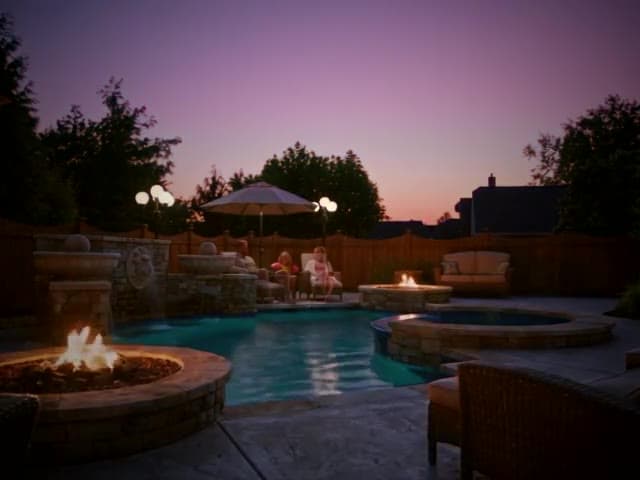
Story template
Build to night
Empty yard to family memory, in one video.
Story template
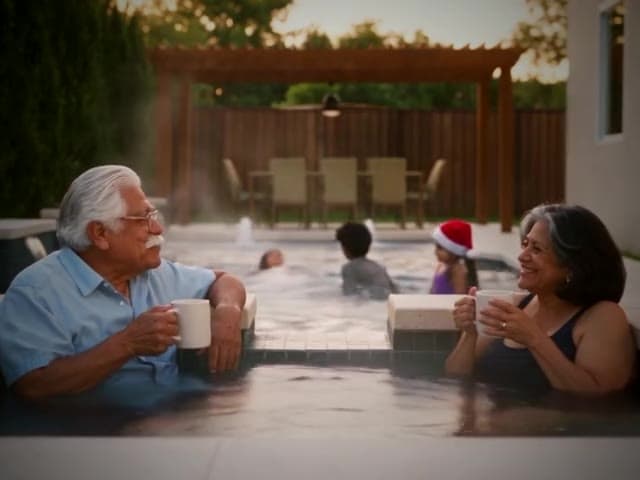
Christmas by the pool
Close the seasonal job before the season ends.
Story template
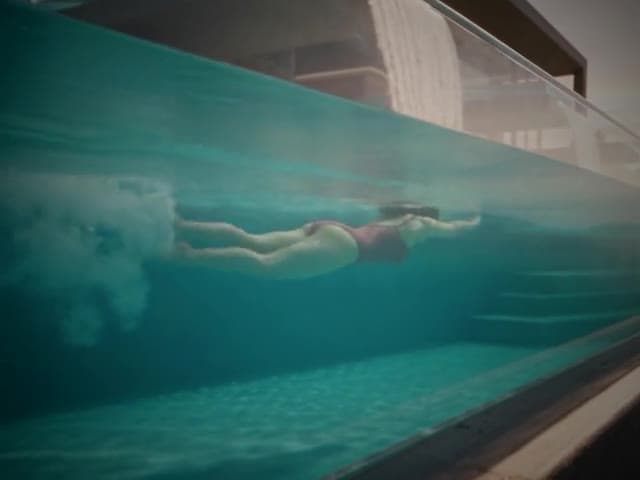
First light to starlight
Dawn swim to watching the stars come out.
Your design stays yours.
We film what you drew. If it is not in your render or your plan, it is not in the video.
What we change
- Water gets motion and reflection
- Materials pick up real light
- The lens reads like a camera, not a render engine
What stays as you drew it
- The geometry and the layout
- Every object, exactly where you put it
- Nothing added that you did not draw
Videos are AI-generated visualisations of a design. They show design intent and are not a guarantee of the finished build, its materials or its dimensions.
Questions about the process
Do I choose the camera angles?
The angles come from the renders you upload. Upload the angles you want in the finished video. We do not invent new ones.
What if a shot doesn't come out right?
Run a draft with a different render or a different lighting look before you spend credits on the final video. See fixing a video.
What is a Story?
A Story is the one video RenderSplash makes: 15 or 30 seconds, the empty yard first, the pool building itself, a family in it, the lights at night. You pick a template and a family. Free gets the first 10 seconds of a Story of your own design. See what RenderSplash makes for the full breakdown, and how credits work for pricing.
How many renders do I need?
One is enough for a Story. More angles give more shots to cut between. Most builders upload two to four. If you use Pool Studio or Vip3D, the Pool Studio export guide walks through which angles to save.
Does the video guarantee the finished build will match it?
No. It shows design intent from your own renders. Materials and dimensions in the finished project can still vary from any visualisation. See our AI disclosure.