What is RenderSplash?
Updated
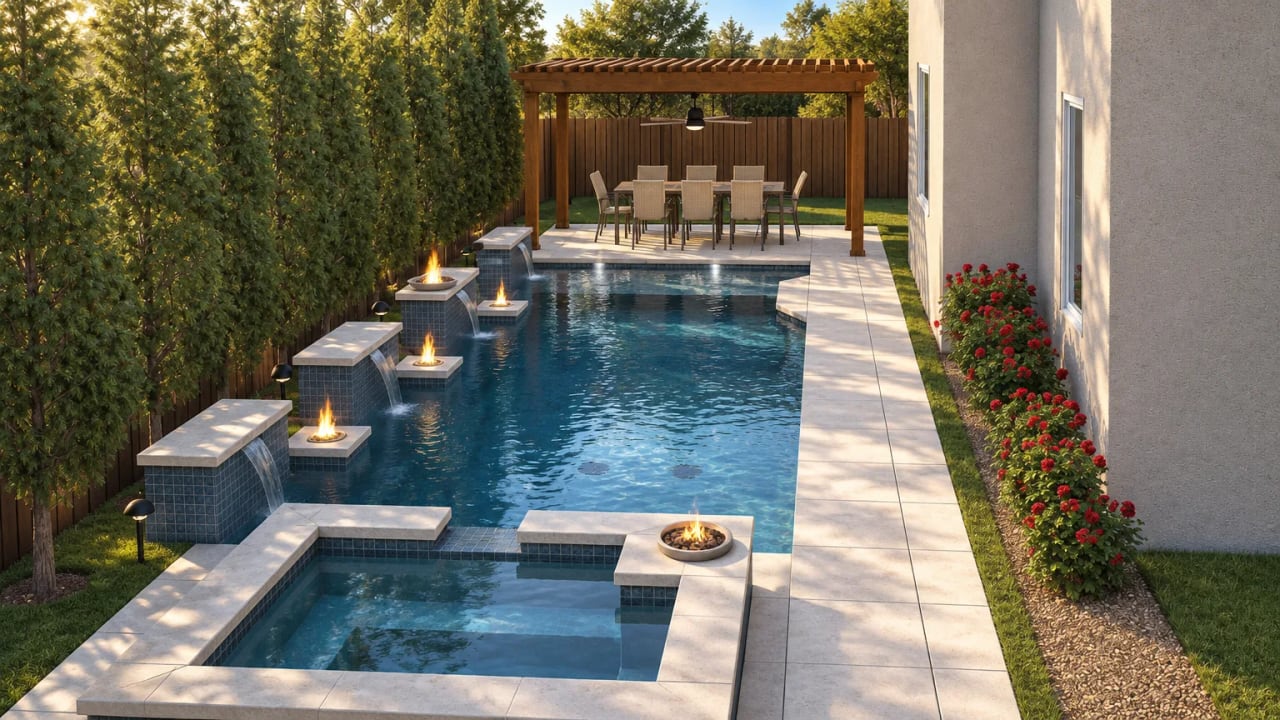
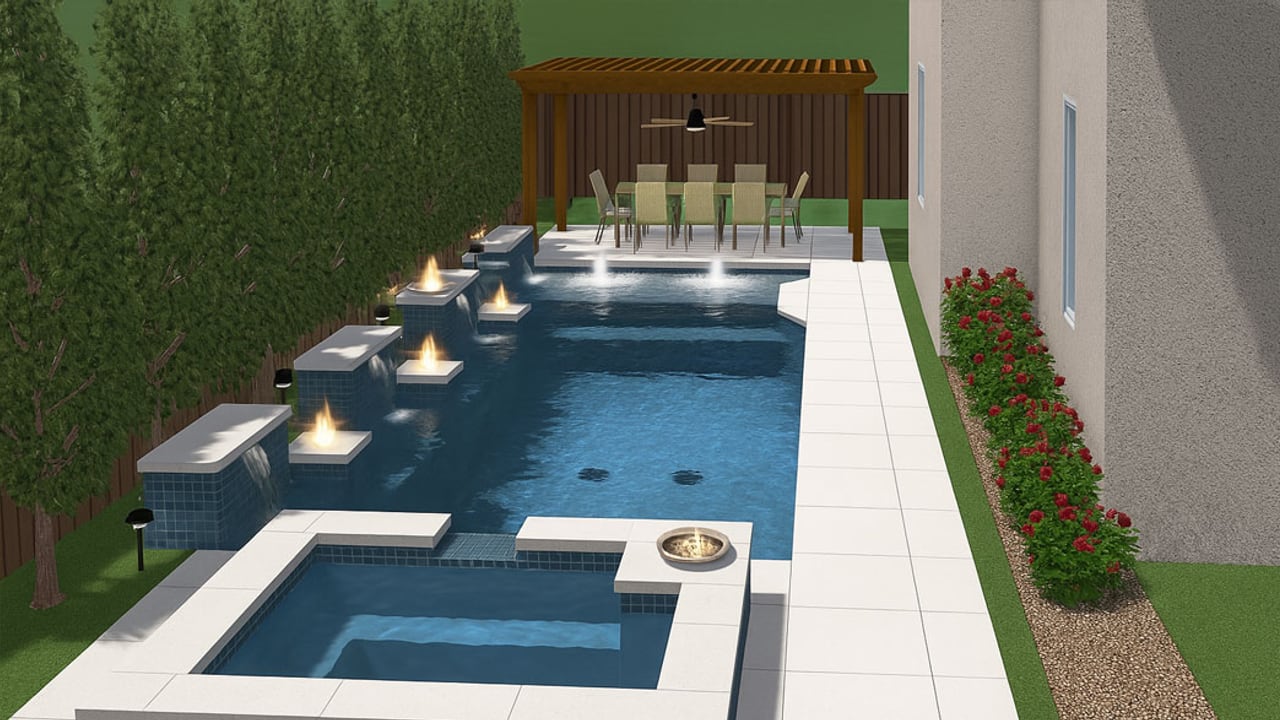
RenderSplash turns the 3D render of a pool design into a short, real-looking video of that same design. You upload the renders you already made in Pool Studio, SketchUp or whatever you use, and most Walkthrough videos come back in about 100 seconds. You get 30 free credits once, when you sign up, no card needed, enough for six Walkthrough drafts or one Story draft.
The moment it was built for
You just left a kitchen table. The design is good. The couple said they need to think about it.
That evening you get one more shot before the next builder's proposal lands, and a phone call feels like pushing. So you send them their pool instead: ten seconds of the sun shelf she kept asking about and the travertine he picked out of the sample box. They watch it on the couch together, and it stops being a drawing on your laptop.
That's the job RenderSplash does.
What you put in
One rendered still is enough to start. Four to six angles give the video more to work with: the whole pool from eye level, the view from the back door, a close-up of the water feature, and one from above that shows the full footprint.
- Rendered stills (required): JPG, PNG or WebP, exported at the highest resolution your software allows.
- Site photos (optional): real photos of the customer's yard, added the same way as a render. They show the fence line, the tree that stays and the slope of the lot. See using site photos.
- A 2D plan (optional): PDF, PNG or DXF of the layout from above.
- A flythrough (optional): the MP4 your design software exports, used as a guide for camera moves.
The full file specs and size limits are on how it works.
What comes out
A Walkthrough is a 10-second film shot from the camera angles in your renders: the pool, the coping, the finish, the water features and the space around them. It's ready in about 100 seconds at HD.
A Story is a 30-second film with a family living in the finished backyard, from the empty yard to the lights coming on at night. It takes a few minutes and costs more credits.
Both show your design. The shape, the tile and the coping come from your renders. RenderSplash adds the light, the moving water and the camera, and leaves the design alone. Like any visualisation, the video shows design intent. Your plans and your contract are still the specification.
How long it takes
A Draft (360p) is the quickest. Most HD Walkthroughs take about 100 seconds, Full HD and 4K take longer, and a Story takes a few minutes. The quality table and credit costs are on pricing.
What it costs
You pay in credits. Free gives you 30 credits once, when you sign up, no card needed, and that grant does not renew. Pro and VIP give you a monthly allowance instead, and extra credits you buy never expire. Current prices are on pricing.
What software it works with
Anything that exports a rendered image. Builders use it with Pool Studio, Vip3D, VizTerra, SketchUp, AutoCAD and Lumion, and works with has export steps for each.
What it won't do
RenderSplash won't draw construction plans, and it won't redesign your pool. It doesn't replace your design software either: you still design where you always have, and RenderSplash films the result.
It isn't an AI image generator. Those produce still images from a text prompt and can't keep your pool's actual geometry. For a plain comparison, see how RenderSplash differs from AI image generators.
It also isn't a general AI video tool like Runway, Luma, or an architecture tool like ArchiVinci. Those work from a prompt, a photo, or a 3D model rather than the render you already made. See RenderSplash or a general AI video tool for where each one fits.
For builders wondering whether to hire a video studio instead, see the cost and turnaround comparison.
Your videos stay private until you share a link. Links are unlisted and signed, and you can switch one off at any time. Your uploads are never used to train AI.
Frequently asked questions
Can I use renders from any software?
Yes, if it exports a standard image file. Works with lists the tools builders use and how to export from each.
Does RenderSplash change my design?
No. It adds light, moving water and camera motion. The materials, the pool shape and the features stay as they are in your renders.
Do the 30 free credits renew every month?
No. They're granted once, when you sign up, not every month. Six Walkthrough drafts or one Story draft, and once they're spent, a paid plan keeps you going.
Is the draft watermarked?
Yes, on every plan. HD, Full HD and 4K videos aren't. Pricing shows what each costs.
Who can see my videos?
Only the people you send a link to. You can switch a link off whenever you want.
Does RenderSplash train AI on my uploads?
No. Your files are only used to make the videos you ask for, and they're kept for 12 months unless you delete them sooner.
Story films · made from pool renders

Story template
A dog's day
The family. The dog. The pool.
Story template
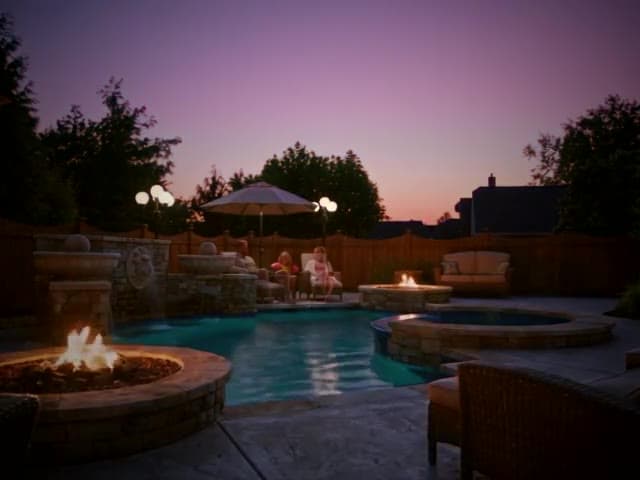
Build to night
Empty yard to family memory, in one film.
Story template
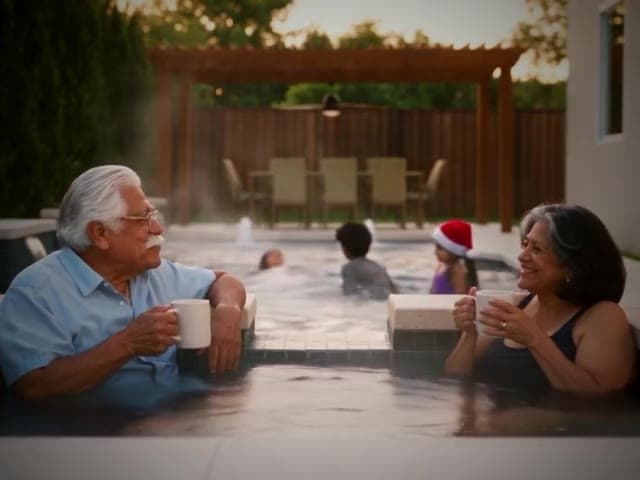
Christmas by the pool
Close the seasonal job before the season ends.
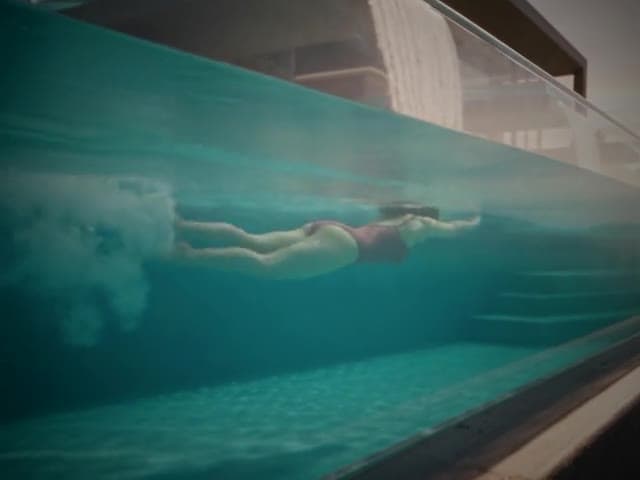
Story template
First light to starlight
Dawn swim to watching the stars come out.
Try it on a real job
Upload a render and see your design as a film. 30 free credits to start, no card.
Get started free