RenderSplash or a general AI video tool
Updated
5 min read
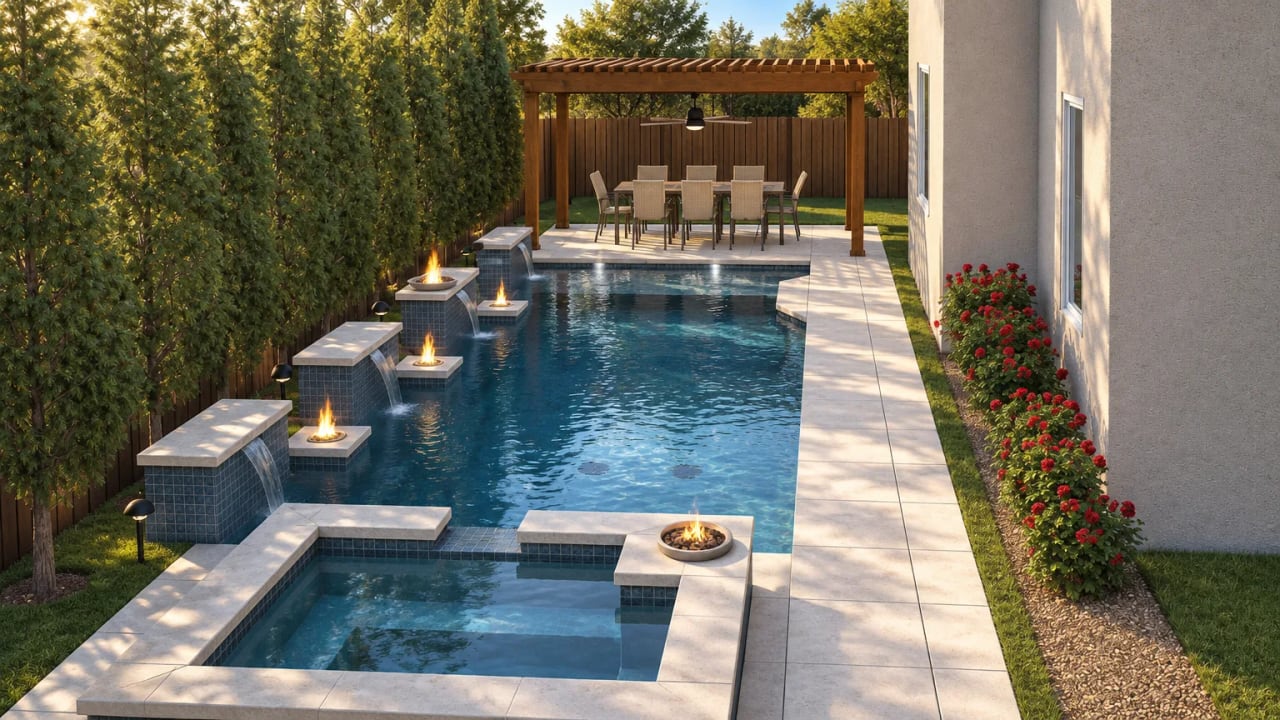
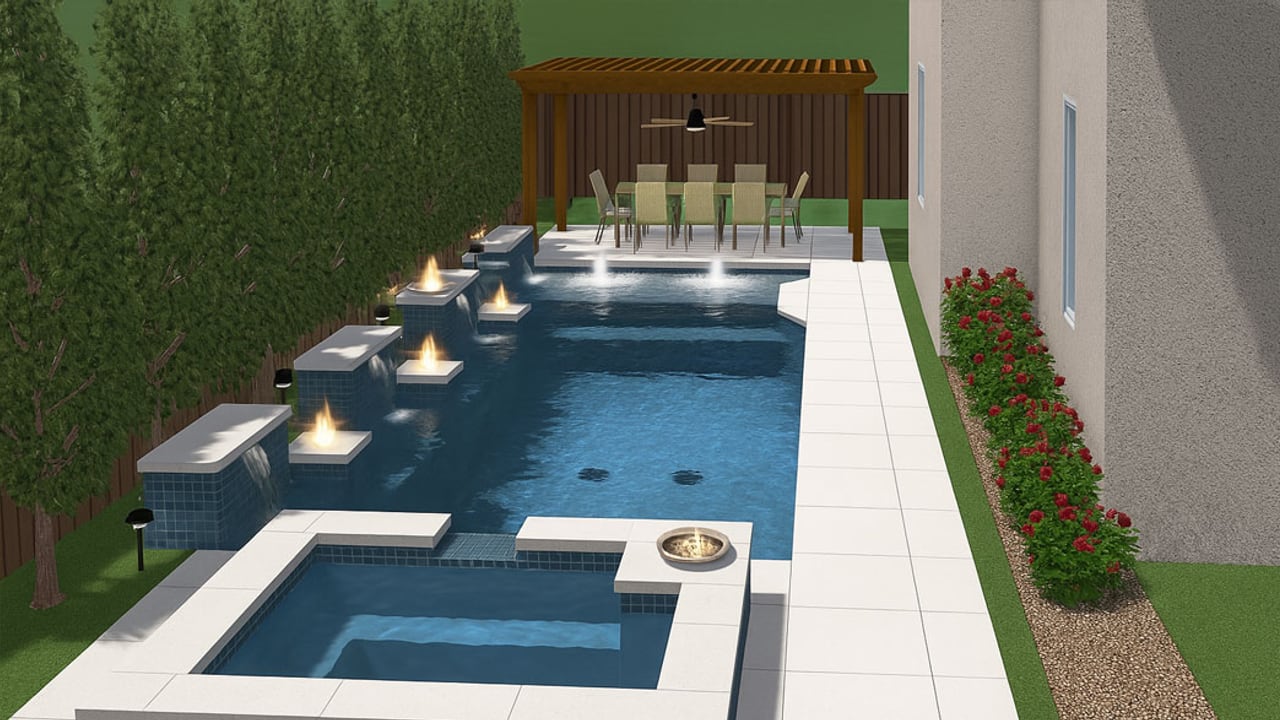
RenderSplash and a general AI video tool both turn a picture into a video, but they're built for different jobs. ArchiVinci, Runway, Luma and Twinmotion make video from a prompt, a photo or a 3D model. RenderSplash makes the film for the pool sale: the design you already drew and priced, ready to send a homeowner that night.
That difference is worth understanding before you pick one.
What each one makes
ArchiVinci is the closest cousin: an AI image-to-video generator built for architecture. Upload an interior or exterior render, a facade concept, a landscape image or a masterplan, and it adds camera motion, depth and atmosphere to turn the still into a 10-second video. It works across any building type, not pool design specifically, and image-to-video runs on coins purchased as an add-on to a separate time-based plan.
Runway and Luma are general-purpose AI video generators. You give either one a text prompt or an image, and it generates a short clip, typically 5 to 10 seconds per generation, in whatever style the model produces. They're not tied to a design file: nothing stops the AI from inventing a longer beach entry or a darker finish than the one you actually quoted, because it isn't working from your plans in the first place. Runway prices in credits from $12 to $95 a month depending on the plan (with an annual discount), and Luma from $30 to $300 a month, also in credits that reset each billing cycle.
Twinmotion is a real-time rendering engine, not an AI video generator. It syncs directly with Archicad, Revit, Rhino, SketchUp Pro and several other CAD and BIM tools, and renders your actual 3D model in real time for an interactive walkthrough or VR presentation. That means you need the model file itself, the software that made it, and time to light and render the scene, well beyond an exported picture. Twinmotion is free for individuals and companies under $1 million a year in revenue; above that, a seat costs $445 a year.
RenderSplash takes the render you already exported from Pool Studio, Vip3D, SketchUp or whatever you design in, and films that specific design: the shape, the coping, the tile and the water features you priced. No prompt to write, no 3D model to hand over, and no modeling or editing skill needed. What comes out is built for one moment: the couple who left the kitchen table undecided, watching their own pool on the couch that night.
A plain comparison
| RenderSplash | ArchiVinci | Runway / Luma | Twinmotion | |
|---|---|---|---|---|
| What goes in | The renders you already made, from Pool Studio, Vip3D, SketchUp, or any design software | One architectural render, photo, facade concept, or masterplan image | A text prompt or any image | The original 3D model file (Revit, SketchUp, Archicad, Rhino, and more) |
| What comes out | A pool video built to send a homeowner: a 10-second Walkthrough or a 30-second Story | A 10-second video with camera motion added over the still | A short AI-generated clip, about 5 to 10 seconds per generation | An interactive real-time walkthrough, or a rendered movie |
| Keeps your exact design | Yes, the shape, coping and finish you priced | Yes, the still stays as drawn; only camera motion is added | No, the AI fills in whatever the prompt or image doesn't specify | Yes, it renders your actual model |
| Built for | Pool builders closing a sale | Architectural and real estate visualization, any building type | General creative video, any subject | Architecture, real estate, and construction presentations |
| What it needs from you | An exported render. No modeling or editing skill | A rendered still or photo, plus coins on top of a paid plan | A prompt or image, and iteration to keep it on brief | The 3D model, and the time to model, light, and render it |
| Price | 30 free credits once to start; a Draft Walkthrough is 5 credits ($4 at list); see pricing | Coins for image-to-video (5 coins Normal, 10 High, 20 Best), on top of a separate time-based plan | Runway: $12 to $95 a month in credits. Luma: $30 to $300 a month in credits | Free under $1 million a year in revenue; $445 a seat a year above that |
Where each one wins
Runway and Luma win at general creative video: social content, a brand film, anything where the AI filling in details is a feature, not a problem. They're a fair way to explore a style or a mood before a design brief exists.
ArchiVinci wins when the job is broader than pools: any building type, any architecture practice, one still turned into a moving camera shot for a portfolio or a listing.
Twinmotion wins when you already have the 3D model and want a real-time, interactive presentation, walking a client through a scene live, or building a VR walkthrough for a showroom. It needs the model and the modeling time behind it; that's a lot of tool for the bid you're writing up on Tuesday.
RenderSplash wins at the pool sale specifically: your render goes in as it is, the design stays exactly as you drew and priced it, and what comes out is built to be sent, not edited, the same night as the consultation.
Frequently asked questions
Can I use a general AI video tool for a pool design?
You can, but the AI fills in whatever your prompt or image doesn't specify: a different beach entry, a different tile, a pool you didn't actually design. That's a risk at the point you're trying to close a contract on a specific design.
Does RenderSplash compete with Twinmotion?
Not directly. Twinmotion needs your 3D model file and renders it in real time; RenderSplash needs only the still you already exported and turns it into a short film. Different inputs, different jobs. A builder who already owns a Twinmotion license for interactive walkthroughs can still use RenderSplash for the quick video to send after a consultation.
Sources
- ArchiVinci, AI Image to Video Generator for Architectural Visualizations
- Runway, pricing
- Luma, Dream Machine Credit System
- Luma, Dream Machine pricing
- Luma, homepage
- Twinmotion, plugins and Direct Link support
- Twinmotion, pricing update announcement
Frequently asked questions
Is RenderSplash the same as Runway or Luma?
No. Runway and Luma are general-purpose AI video generators built for any subject from a prompt or an image. RenderSplash is built for one job: turning the pool render you already made into a video of that exact design.
Is RenderSplash the same as ArchiVinci?
They're closer: both turn an architectural render into a video. ArchiVinci works across any building type and charges coins on top of a paid plan. RenderSplash is built specifically for the pool sale, works with the design software pool builders already use, and prices by the credit.
Do I need the original 3D model file?
Not for RenderSplash or ArchiVinci, both work from a rendered still you export. Twinmotion is different: it renders your actual 3D model in real time, so you need the model file and the software that made it, and a picture alone won't do.
Which one keeps my exact pool design?
RenderSplash and Twinmotion both do, because they work from your design rather than inventing one. A general AI video tool like Runway or Luma fills in whatever a prompt or image doesn't specify, so the pool it shows may not be the one you priced.
Try it on a real job
Upload a render and see your design as a film. 30 free credits to start, no card.
Get started free