RenderSplash or the plain 3D render
Updated
4 min read
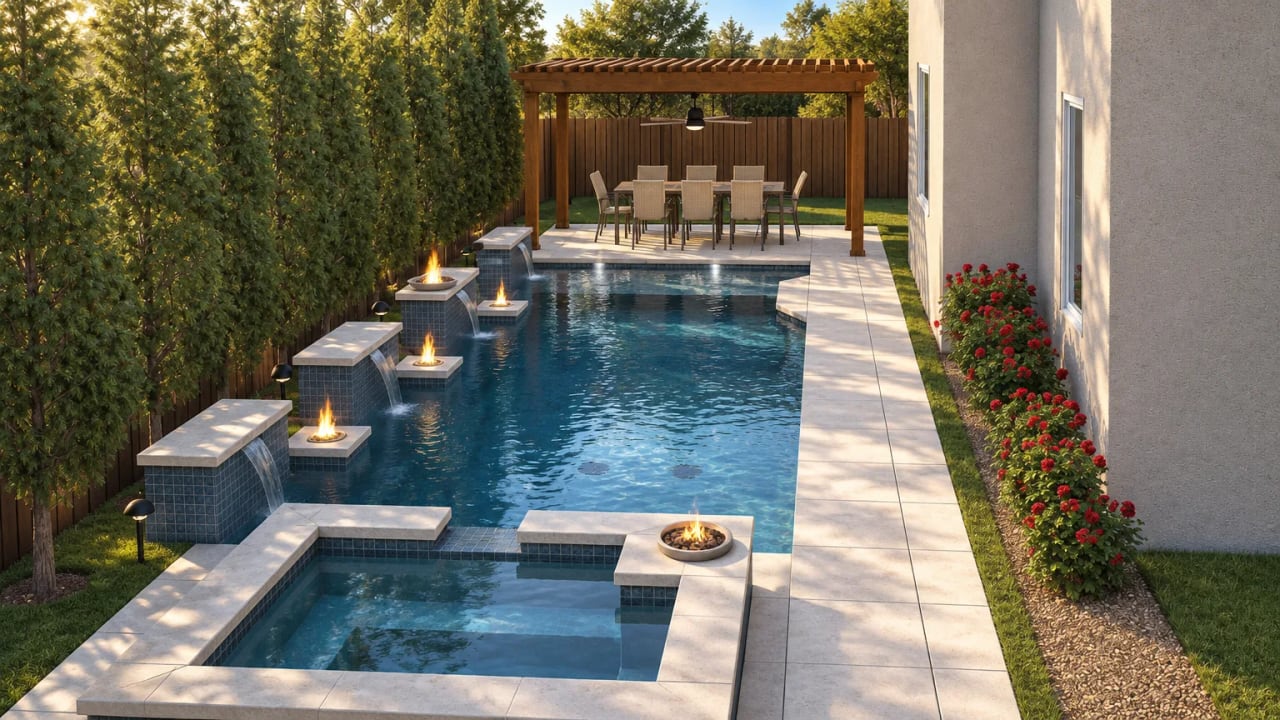
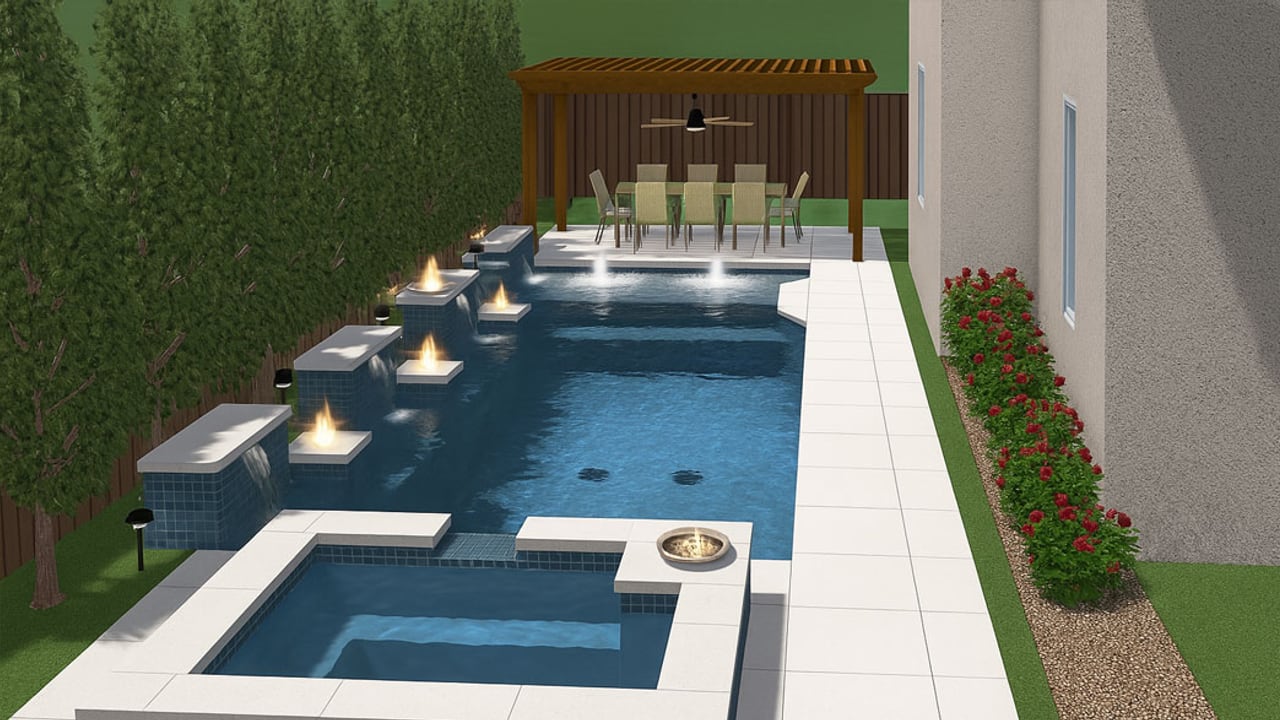
A 3D render is the right tool for the meeting. It shows the design clearly, it costs nothing extra to produce, and every homeowner you present to has seen one. The render does its job at the table.
The job it cannot do is the one after you leave. The spouse who missed the meeting is at home. They have an image file in their email and a summary from the person who was there. A video of the same design gets a different reaction.
What each one does at the presentation
A rendered still is a photograph of a 3D model. It shows the pool, the materials, the surroundings, and the lighting from one angle at one moment. Builders typically show several angles: overhead, eye level, close-up of water features. Some design software includes a built-in flythrough that plays a preset camera path, which adds motion but stays inside the software.
RenderSplash produces a short video from those same renders. The video shows the design in motion: water moving, light shifting, the camera panning through the space. It plays from a link on any phone or tablet, no software needed.
A plain comparison
| Static 3D render | RenderSplash video | |
|---|---|---|
| Cost to produce | Included in your design software subscription | Credits; 30 free once to start (six Draft Walkthroughs) |
| Time to produce | Seconds to minutes inside the software | About 100 seconds for a Walkthrough at HD |
| What it shows | The design from a fixed angle, static | The same design, in motion, with water and light |
| Shared as | A JPG or PDF attachment, or shown on screen | A private link, plays on any phone or tablet |
| Rewatching at home | An image file; easy to open, easy to ignore | A video link; plays in the homeowner's browser |
| Design accuracy | Exact: it is the render from your software | Same layout and materials; the light, water and camera are added |
| Revisions | Re-export the render; instant | Re-export and re-run; about 100 seconds |
Where the render wins
On speed of changes. If the homeowner wants to see darker coping, you change it and re-export a still in under a minute. A video takes about 100 seconds to re-run, which is fast but not instant.
For a job where the homeowner decides at the meeting, a render is all you need. Some people know by the second slide. For those jobs, a render is free and sufficient.
The gap the render leaves open
The homeowner walks out and life fills back in. Kids, dinner, three other builders' proposals. Your render is an attachment in their email. Maybe they opened it once.
The spouse who was not at the meeting has never seen the design. Someone forwards them a JPEG and says "here's the pool." They look at it, they can see it's a rendering, and they move on. It does not feel like anything.
A video link is different. The water moves. The camera walks you through the space for 10 seconds. That is closer to what it will feel like standing in the finished backyard than any still frame.
The flythrough your design software exports sits somewhere in between. It moves, but it still looks like software. If you have one, upload it with your renders and RenderSplash uses it as a guide for the camera.
When to add a video
The higher the job value and the stiffer the competition, the more a video is worth. A $10,000 scope where you're the only bid may not need one. An $80,000 design job with three other builders in the mix is a different calculation.
See pool design video for sales for the follow-up playbook.
Try it on a real job
Upload a render and see your design as a film. 30 free credits to start, no card.
Get started free