How to show a homeowner the pool before they sign
Updated
4 min read
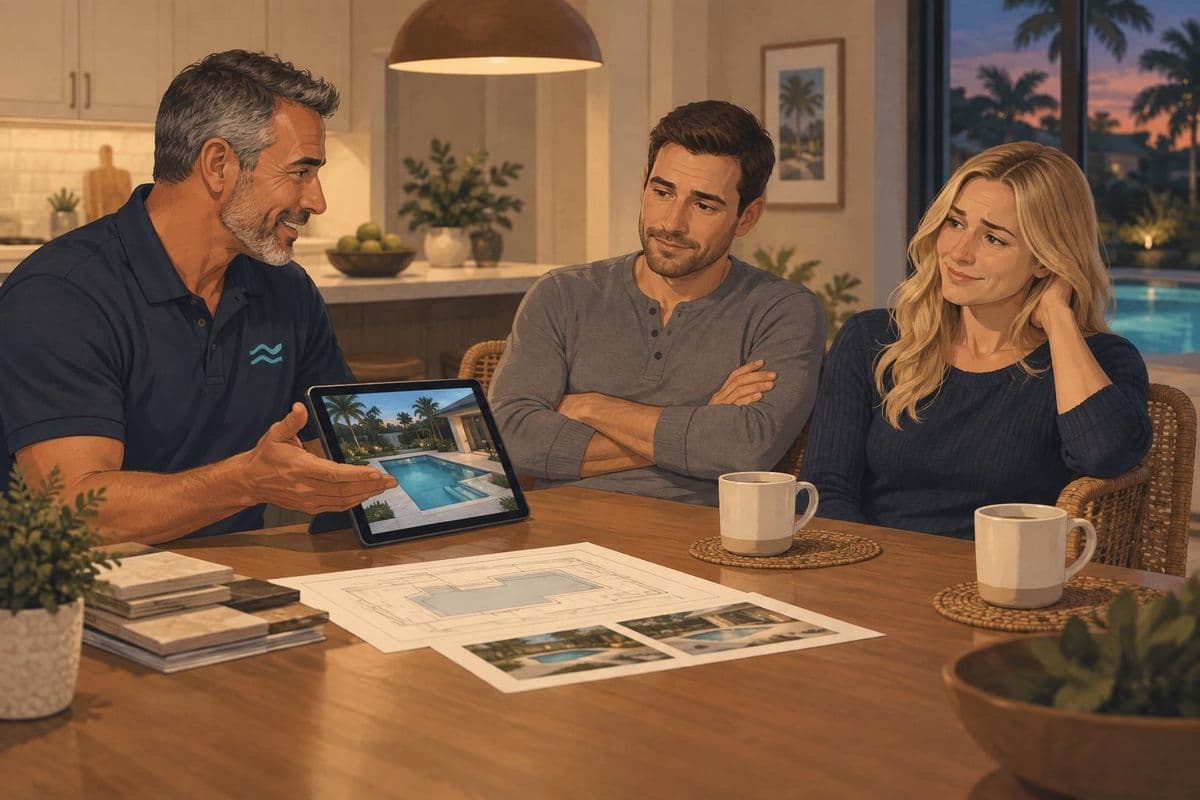
Most homeowners don't decide at the meeting. They go home, open their phones, and try to work out if they're making the right choice. What you show them at the table, and what you leave with them when you walk out, determines what they think about while they're deciding.
What actually happens after you leave
The evening of the consultation is when the design either sticks or doesn't. The homeowner who was in the room will probably remember the key features. The spouse who wasn't there has nothing except what gets forwarded to them. "Check this out" followed by a JPEG doesn't close many pools.
The couple who have a video link watch it together that night. The design moves. The pool looks like a pool. The kids start talking about swimming, and the homeowner who was at the meeting gets to say "that's our backyard."
The order matters: plan, then render, then video
Show them in this order and each step lands harder.
Start with the 2D plan. Put the overhead view in front of them first. Show them the shape, the dimensions, the layout. They should understand what you're building before they see what it looks like. A dimensioned plan also tells them they're looking at engineering, not a mood board.
The 3D render second. Walk them through your angles. The entry view, the full pool from eye level, close-ups of the water features. Explain each material choice. Why that coping. Why that finish for this yard. The render is the proof. They can see it and they believe it.
The video last. Play it after they've studied the render. It's the same design, moving. Because they already know it, they recognize everything in the video. That recognition is what produces the feeling. You can't get that reaction by leading with the video.
See how it works to understand the steps from render to video.
What to leave with them
A share link, not a file attachment.
A video link plays on any phone without downloading anything. It works when they show it to the spouse who missed the meeting, or their neighbor, or a contractor friend with opinions. It's private by default. You can switch it off if the job doesn't move forward.
A JPEG in an email is easier to lose, less compelling to watch a second time, and harder to share with anyone who wasn't at the table. Leave the render with them too if they want it. Just make sure the link is the thing they actually use.
The 24 hours after the meeting
Send a follow-up the evening of the consultation, or first thing the next morning.
Keep it short. Reference the video. Make it easy to reply.
These work:
Hi Sarah, made you something. Watch it with Dan tonight and tell me what you think.
Hey Sarah, just sent you the link to the pool film. The negative edge you liked on the back wall comes through clearly. Any questions, let me know.
Sarah, here's the link again in case you want to pull it up on the TV. Travertine is the first option; I can do a concrete version if you want to compare.
One text, one link, one thing to respond to. The builder who sends that message is still in the room after they've left the table.
If you didn't have a video at the meeting
You can still produce one and send it the same day. Upload your renders to RenderSplash, get a Walkthrough in about 100 seconds, and send the link before the evening is over.
This also works for jobs that stalled after the initial presentation. A new video of an existing design is a concrete reason to restart a quiet conversation. See pool design video for sales for the follow-up guide. For a sourced look at why homeowners go quiet after the render, why homeowners stall explains what is actually happening in that gap.
Frequently asked questions
Should I show the video first or last?
Last. The video lands harder after they've studied the render. Showing it first skips the step where they connect the design to their real backyard.
What if they want to change something after watching the video?
Update the render in your design software, re-export the stills, and re-run the video. A Walkthrough at HD takes about 100 seconds. You can show an update in the same meeting or send it the same day.
Does the video have a voiceover or music?
A Walkthrough is silent footage of the design. A Story has sound and music, with a family using the pool. See how it works for the difference.
Sources
- Buildertrend, 10 sales tips for landscape and swimming pool contractors
- VirtualPools, Why 3D pool design is essential for pool builders
- ConstructionExt, How to Create Impressive Proposals That Boost Pool Sales
Try it on a real job
Upload a render and see your design as a film. 30 free credits to start, no card.
Get started free